



Shared canvas
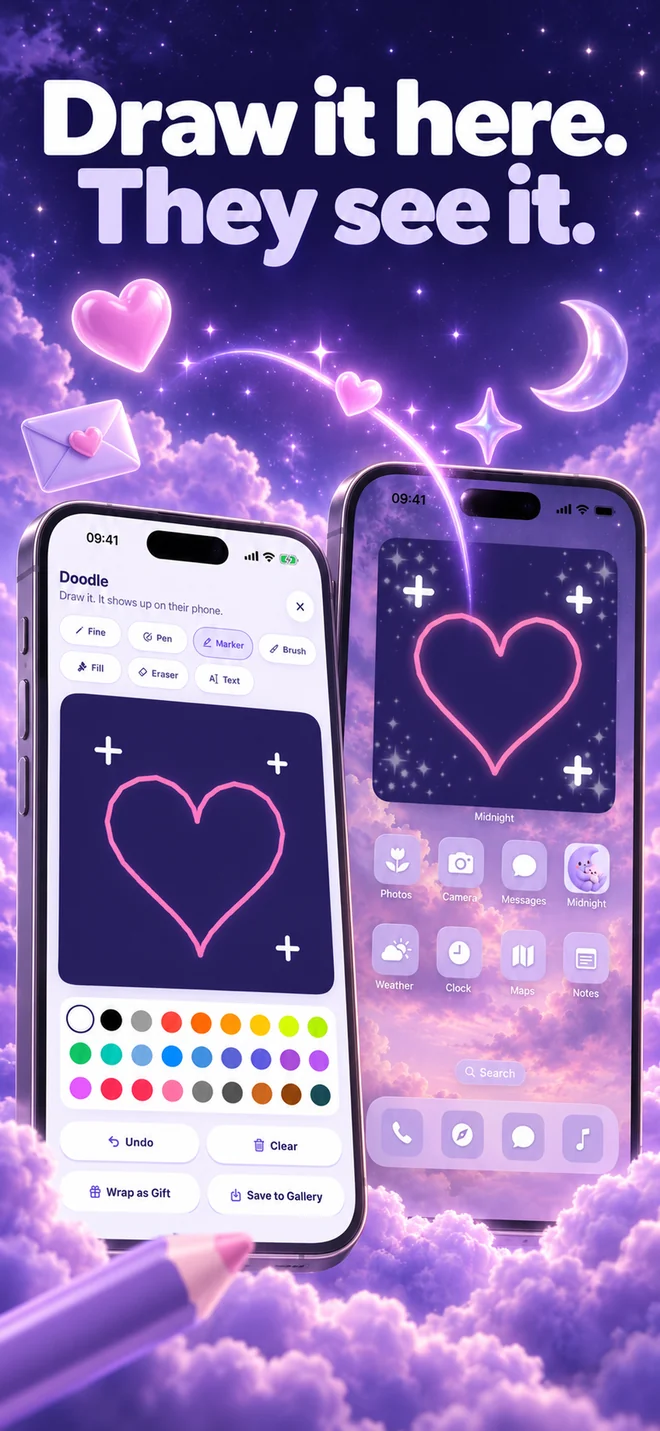
Draw a little love. Leave a doodle on your partner’s screen, or add to the same canvas together.
Explore shared canvas ↗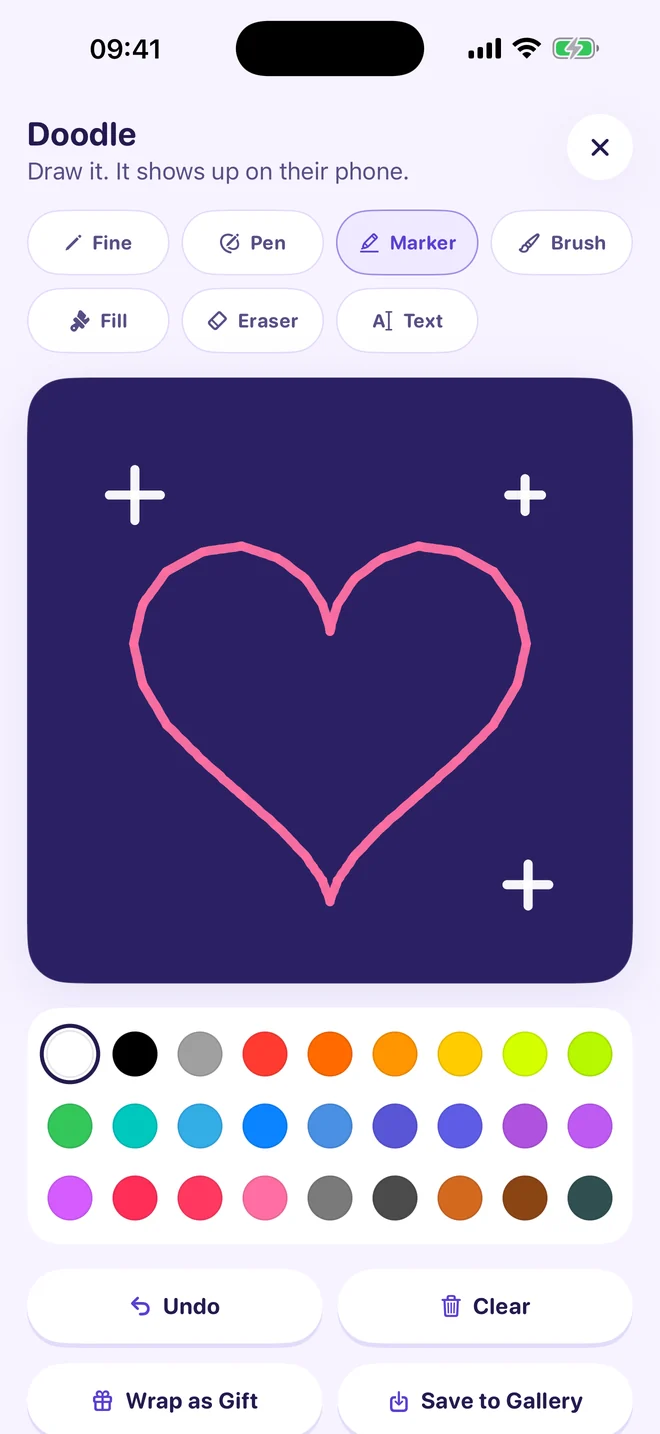

On their Home Screen. Just for you two.
Real app screens. An illustration of how sharing feels.
YOUR PERSON, A GLANCE AWAY
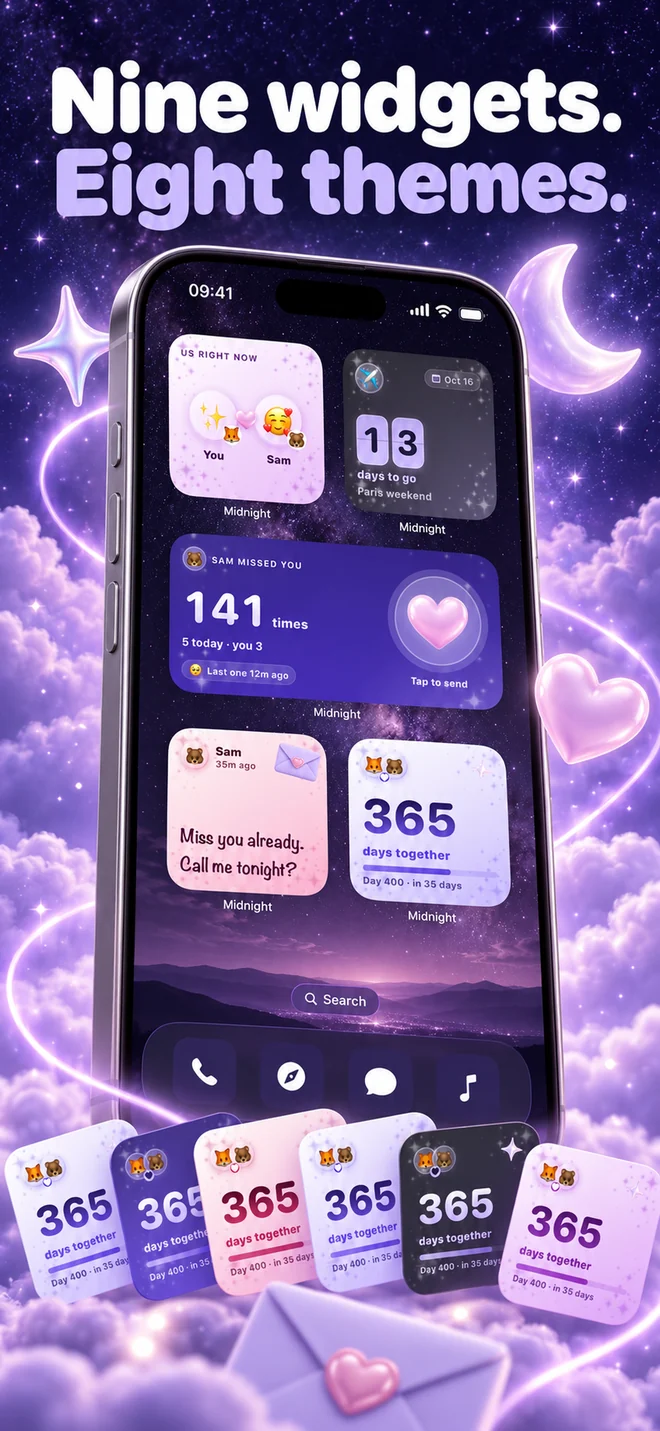
Nine couple widgets. Eight themes. A Home Screen that feels a little more like us.
Draw a little love. Leave a doodle on your partner’s screen, or add to the same canvas together.
Explore shared canvas ↗
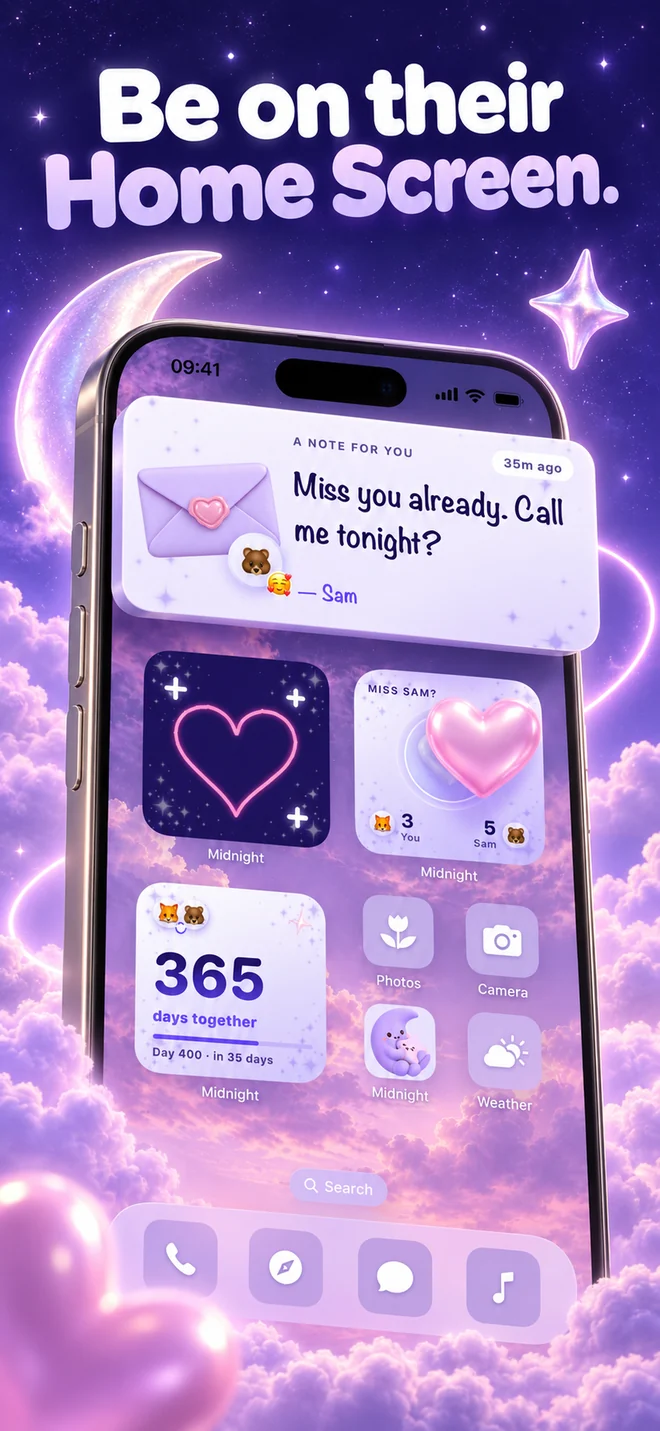
“Made you coffee.” “Miss your face.” A small handwritten note they can find in the middle of their day.

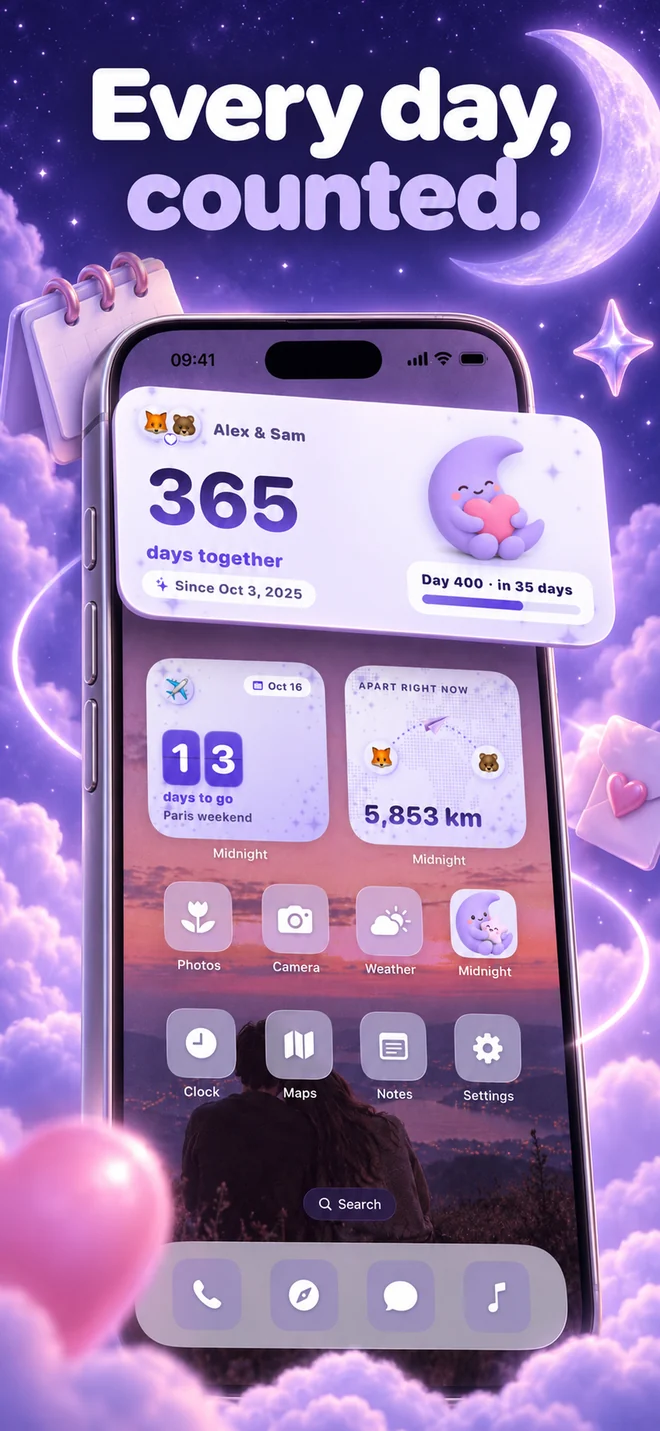
A little map of the miles between you. Share your location when you want to see how far apart you are.
Explore distance widgets ↗
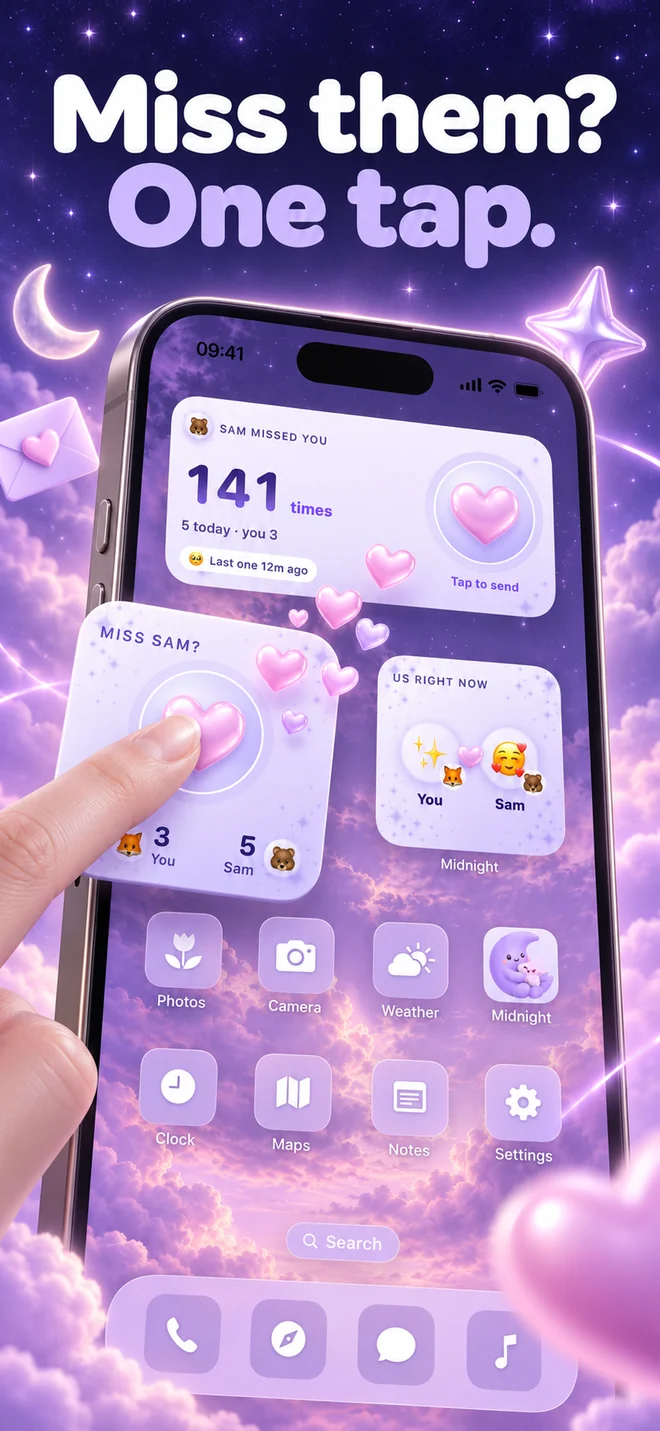
One tap on the heart says what you’re thinking. A small way to reach for each other, even on busy days.

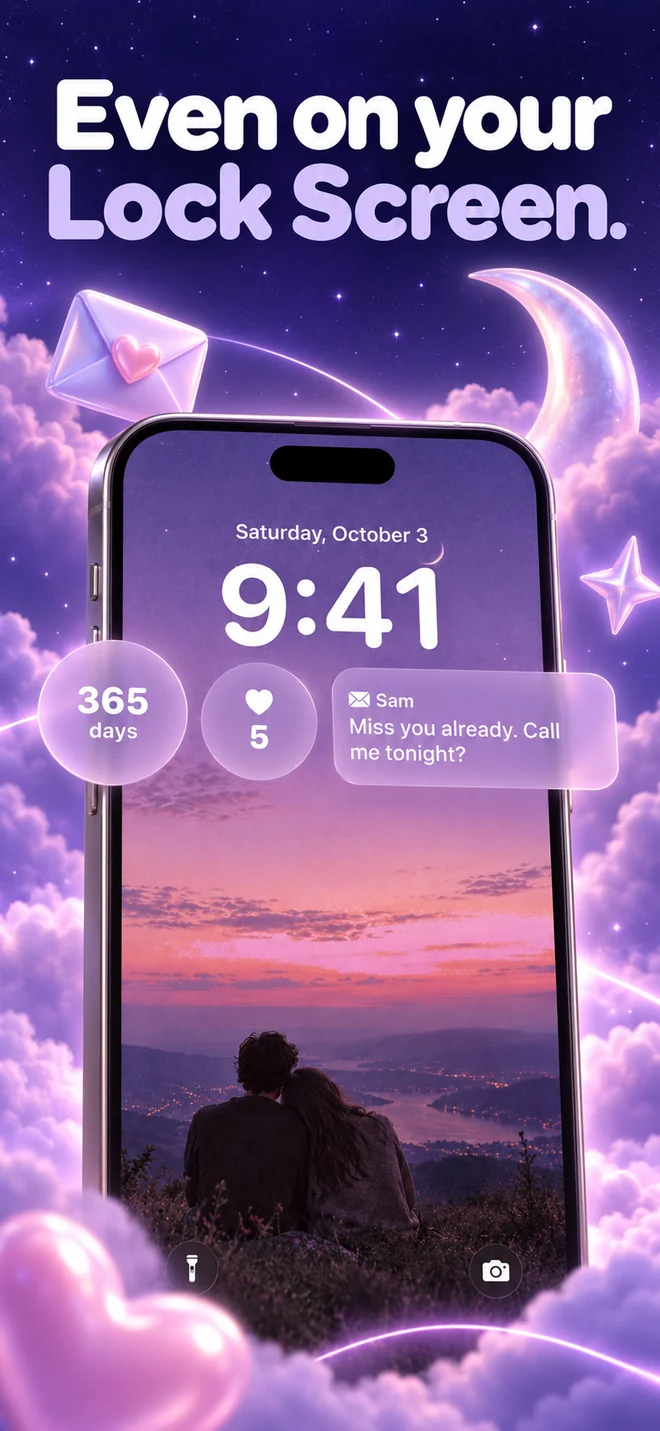
Your first day, still counting. Keep your relationship anniversary close with a days-together widget.

Count down to your next visit, anniversary, or weekend away. The good thing you’re both looking forward to.
Plus Tonight’s question (free), your shared moods and the Us dashboard (Pro). Two free themes; six extra themes with Pro.
THE SHARED CANVAS WIDGET
A sleepy heart. An inside joke. A terrible portrait that makes them laugh. Your shared drawing canvas turns an ordinary iPhone widget into a little message only you two understand.
A little world for two
A shared drawing, a note on their screen, one question before bed. Midnight makes room for the little ways you choose each other, even when the day gets busy.
A CLOSER LOOK AT MIDNIGHT 6.0
Widgets first. Still all the questions, games and memories that make it yours.
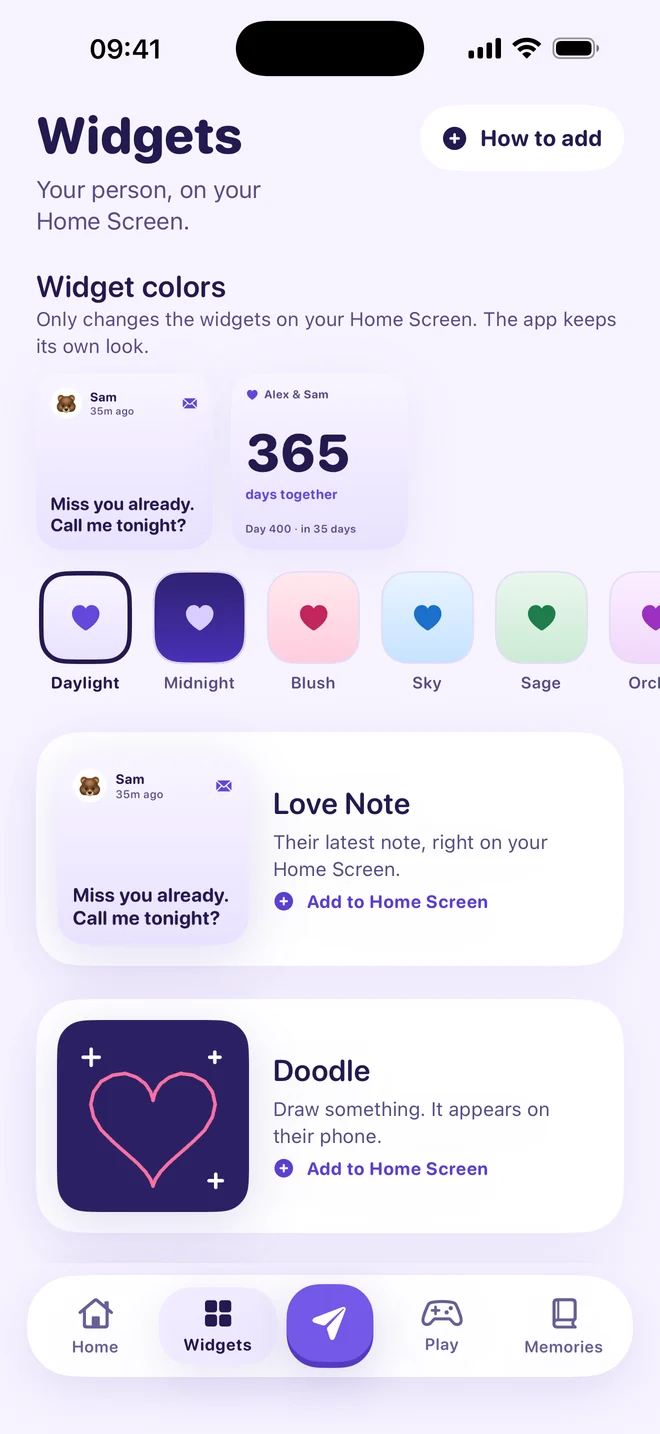
Nine widgets, eight themes, and a gallery that helps you find your favorite. Start with a note, a doodle, or a little love tap.
Open the drawing canvas, choose a pen or brush, and make something together. Your shared Doodle widget brings it to the Home Screen.
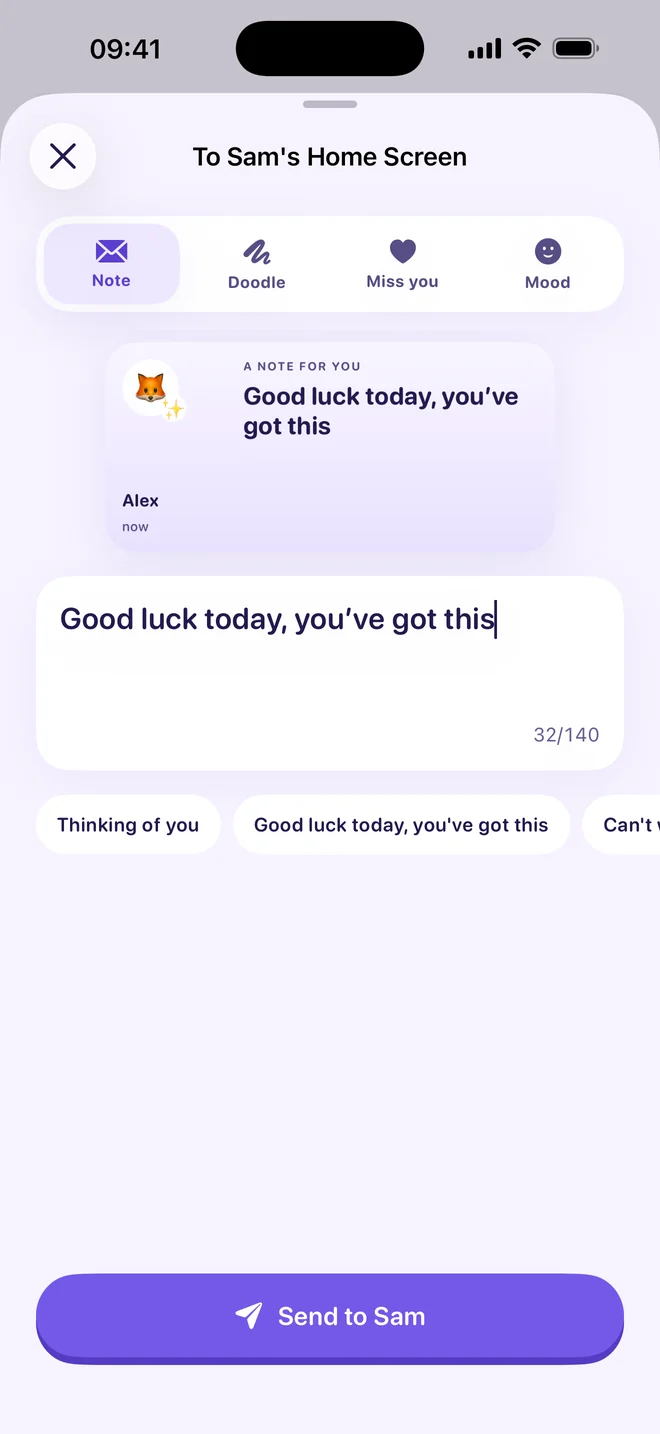
A handwritten love note they can find without opening the app. Send it from Midnight and let it be a lovely part of their day.
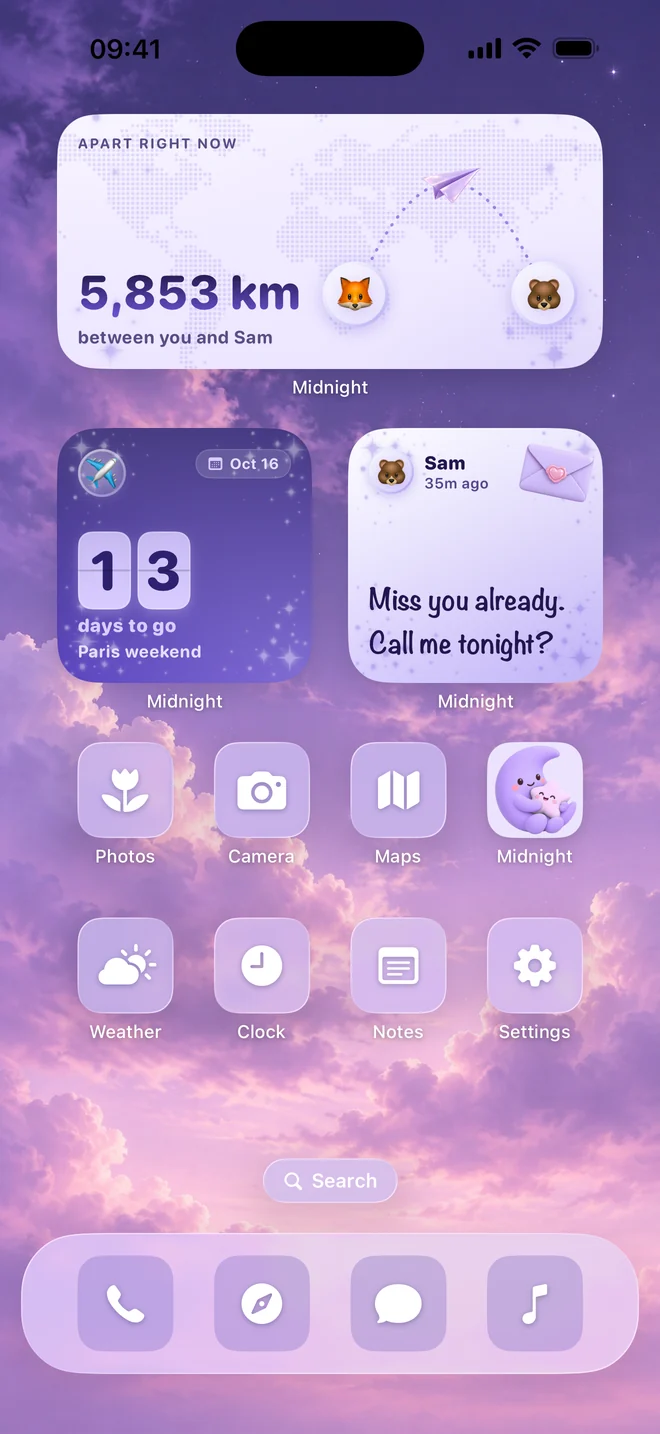
A distance widget for long-distance couples. Add a countdown to your next hello and keep your days together in view.
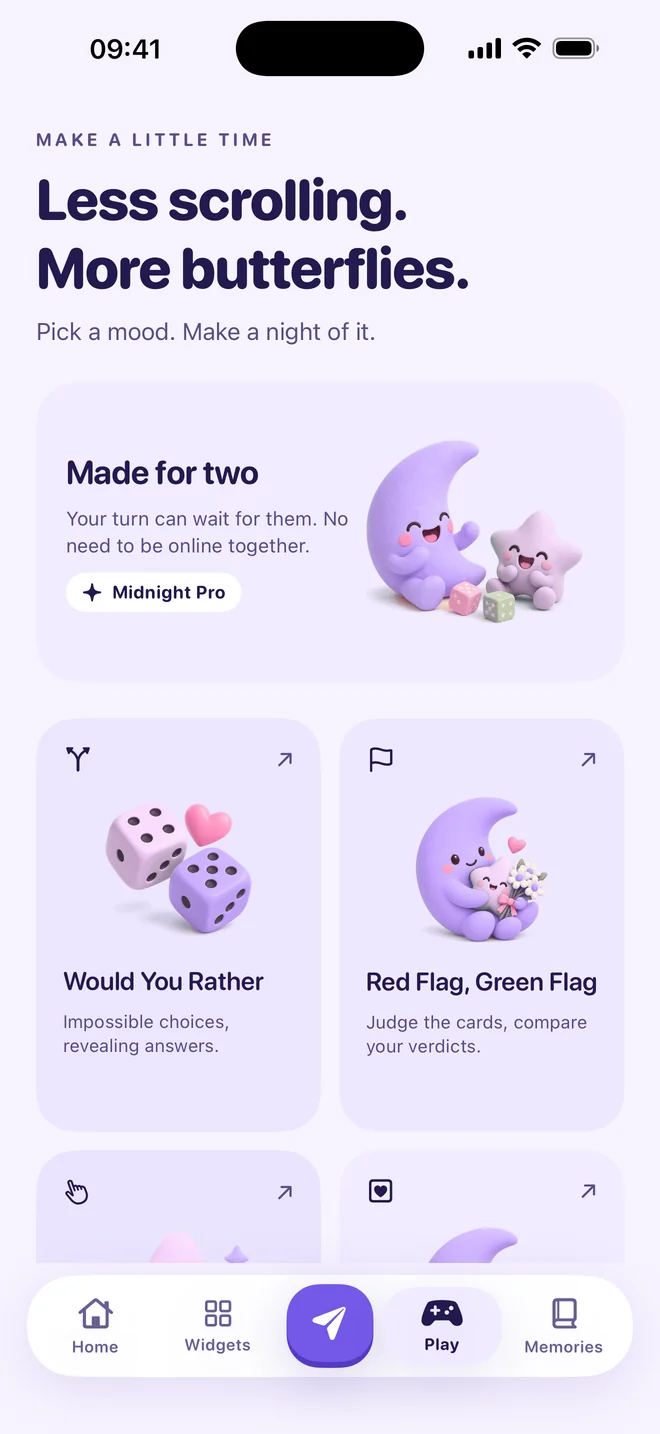
Would You Rather, Who’s More Likely To, Red Flag Green Flag and Blind Compatibility — plus eighteen date ideas for your next night together.
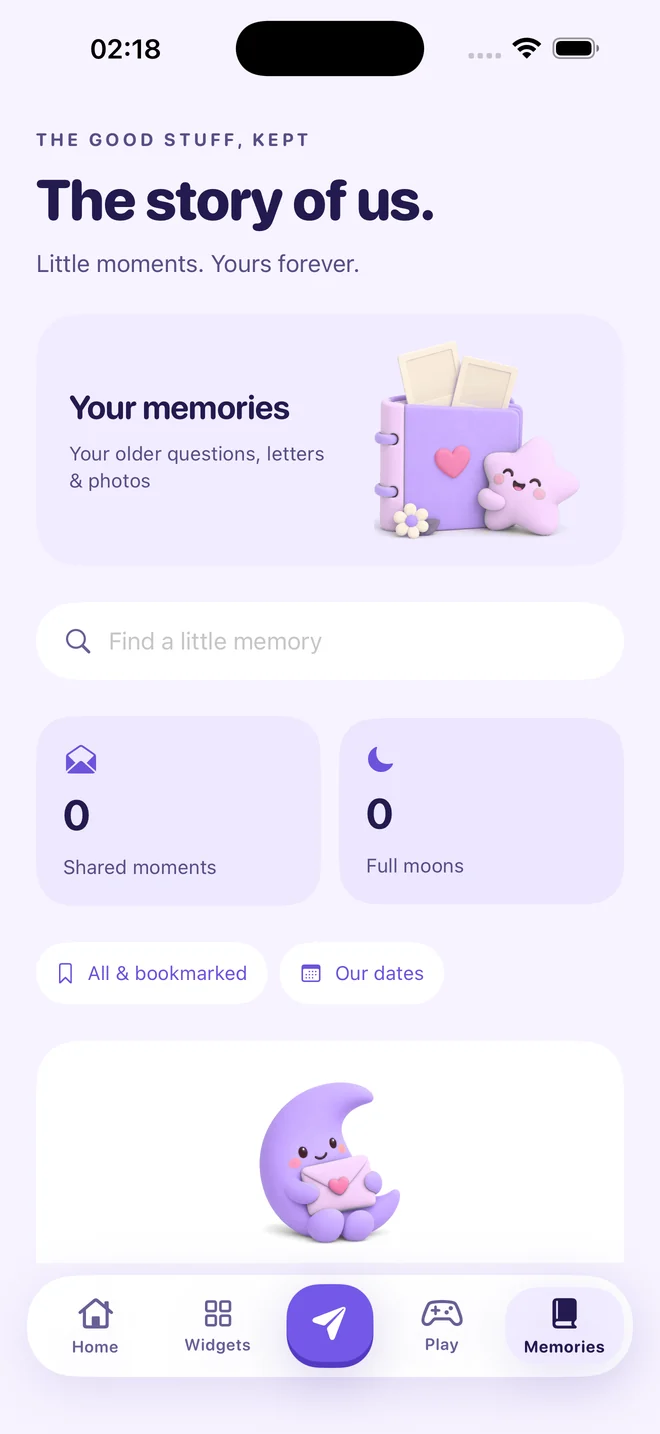
Your shared moments become the story of us. Daily questions, completed exchanges and a quiet space for your memories.
MIDNIGHT 6.0, IN PICTURES
The new widgets, the shared canvas, the purple little world. Explore the latest app screenshots.
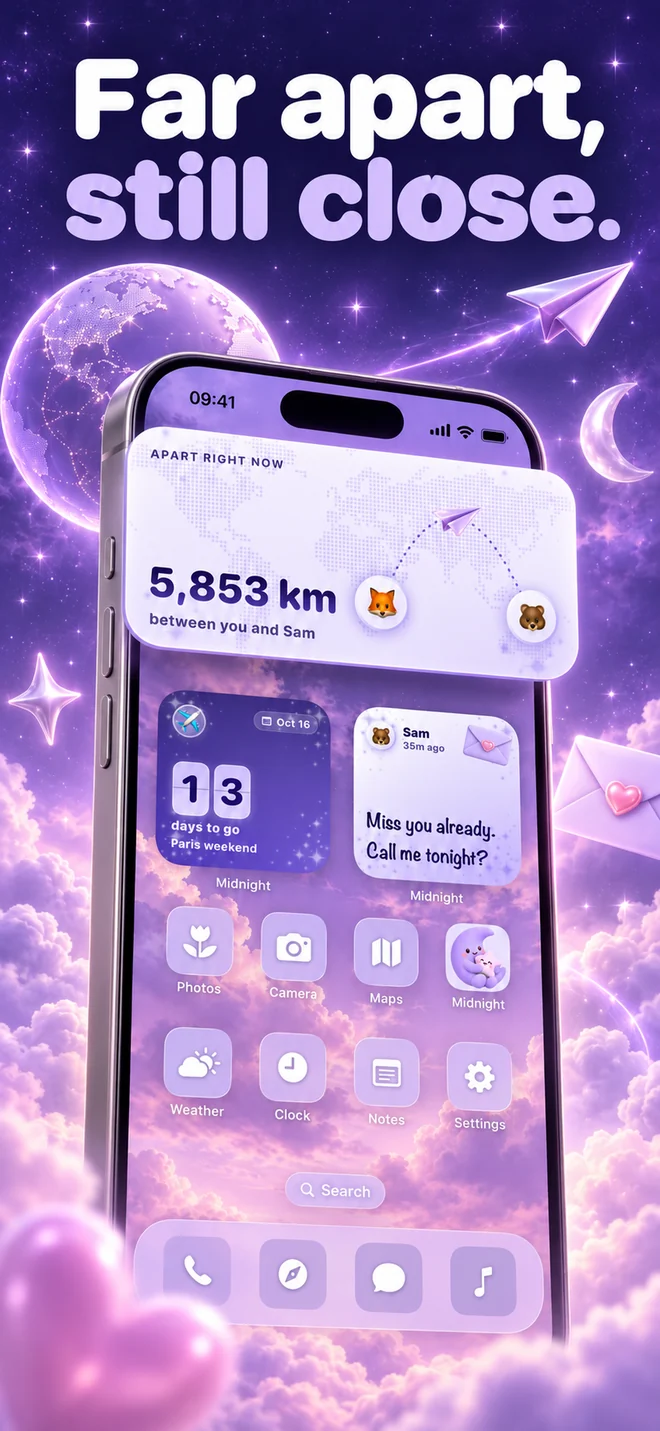
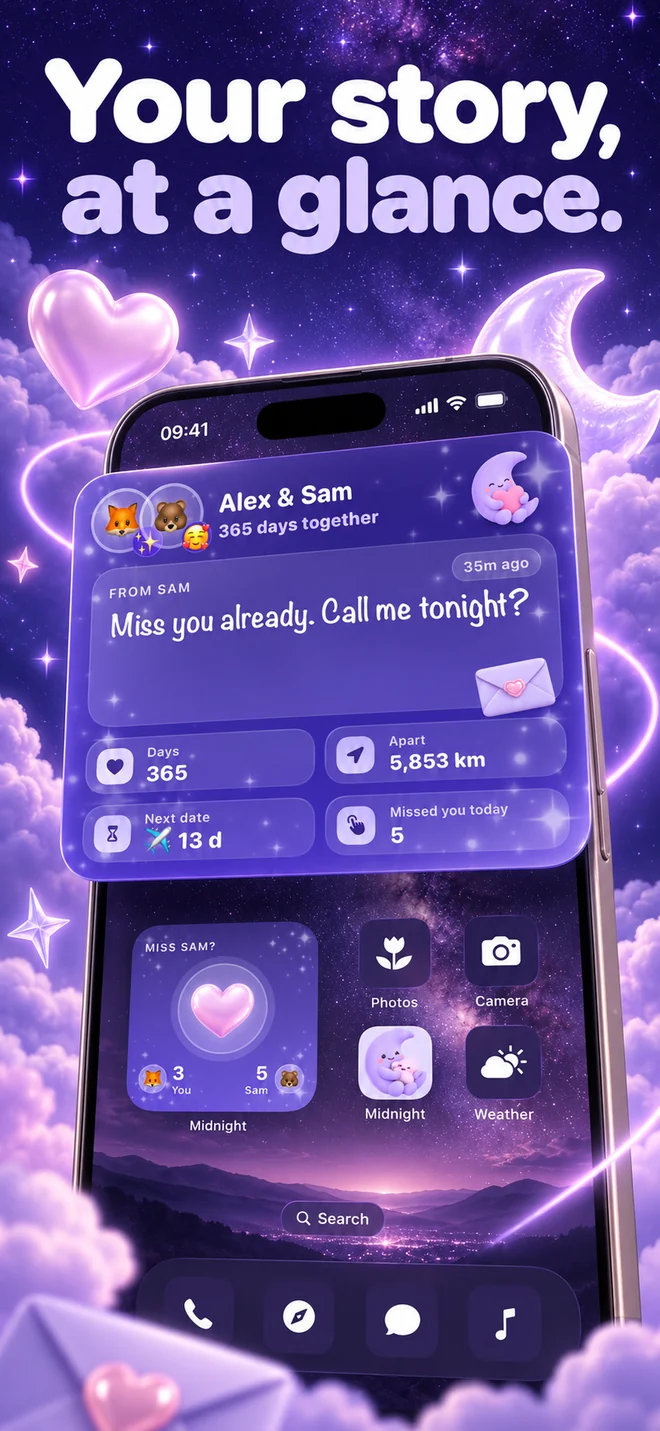
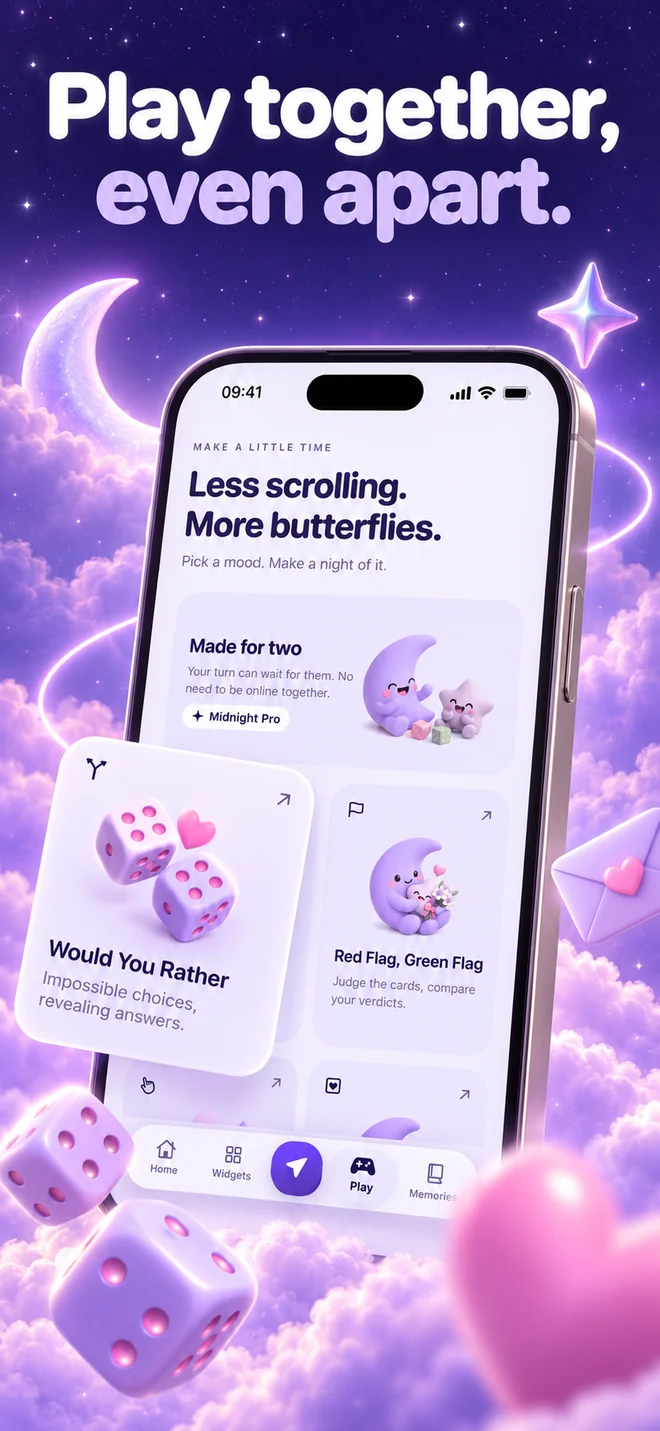
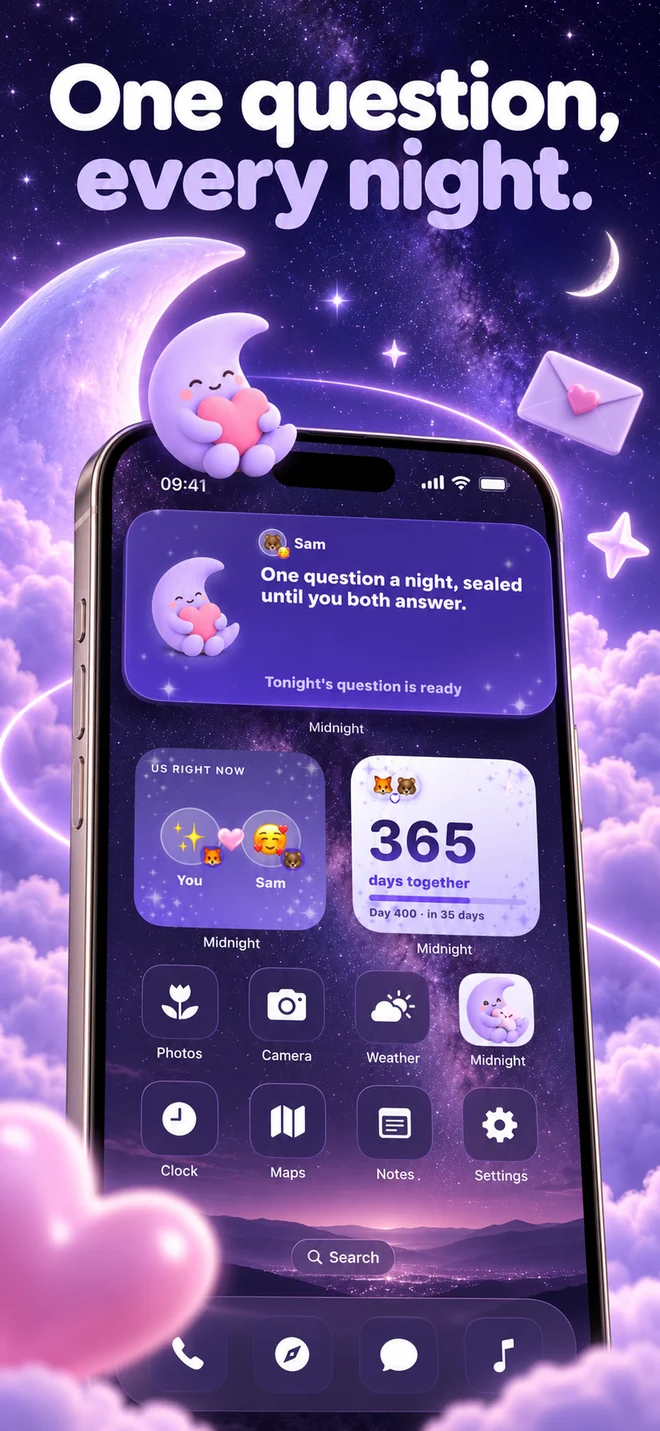
Built for two people
Keep the miles between you in a distance widget, count down to your next visit, and leave a note while they’re asleep. The daily question gives you 36 hours to answer, so different time zones fit right in.
Choose a shared canvas, a love note, a days-together counter or another of the nine couple widgets. Add supported widgets to your Lock Screen, too.
Your private journal stays yours alone. Saved memories, recovery and export stay reachable after a subscription ends.
Every question, plus a lighter alternative for the days that are already full, in ten main languages.
Why it works this way
Closeness isn't built in one big evening — it's built by showing up in a small way, on an ordinary day.
What Midnight is — and isn't
It’s a shared space for two people who already choose each other. It isn't therapy, it isn't a coach, and it won't fix a relationship on its own. Every paywall can be dismissed, and you can invite your partner before anyone pays.
QUESTIONS COUPLES ASK
Midnight is a couple widgets app for iPhone and iPad. Share a drawing canvas, send love notes and Miss You taps, track your days together, and see the distance between you. Midnight 6 has nine widgets and eight themes, alongside daily questions, couple games and shared memories.
Link with your partner, add Midnight’s Doodle widget to your Home Screen, and draw in the app. Your shared canvas can appear on both phones. You can add to the same drawing and use pens, brushes, colors and text. iOS controls when Home Screen widgets refresh.
Love Note, Doodle (shared canvas), Miss You, Days Together, Distance and Tonight are free. Two widget themes are free. Midnight Pro adds Mood, Countdown and the Us dashboard, six extra themes, continued daily questions and the four couple games.
Yes. Share a canvas or a love note across different time zones, use the distance widget with optional location sharing, and count down to your next visit with Pro. You don’t need to be online together to enjoy your shared space.
Open Midnight and link with your partner. On your iPhone Home Screen, touch and hold an empty area, choose Edit, then Add Widget. Search for Midnight, choose the widget and size, and tap Add Widget. Midnight’s Widgets tab includes an installation guide.
Distance sharing is optional. Enable it in Midnight and allow location access to show the miles or kilometers between you and your partner. You can turn sharing off in the app.
Yes. One active Midnight Pro subscription covers both linked partners. You can download Midnight, invite your partner and start with the free widgets before subscribing.
No. Your answers stay sealed until you both write something. The second partner has 36 hours to answer. When both answers are ready, they open into a shared memory.
Midnight is available for iPhone and iPad with iOS 26 or iPadOS 26 or later. It is not currently available on Android.
Start with a little note. Add a shared canvas. Make your Home Screen feel like the two of you.
Download on the App Store ↗Free to start. One little world, both of you.


